

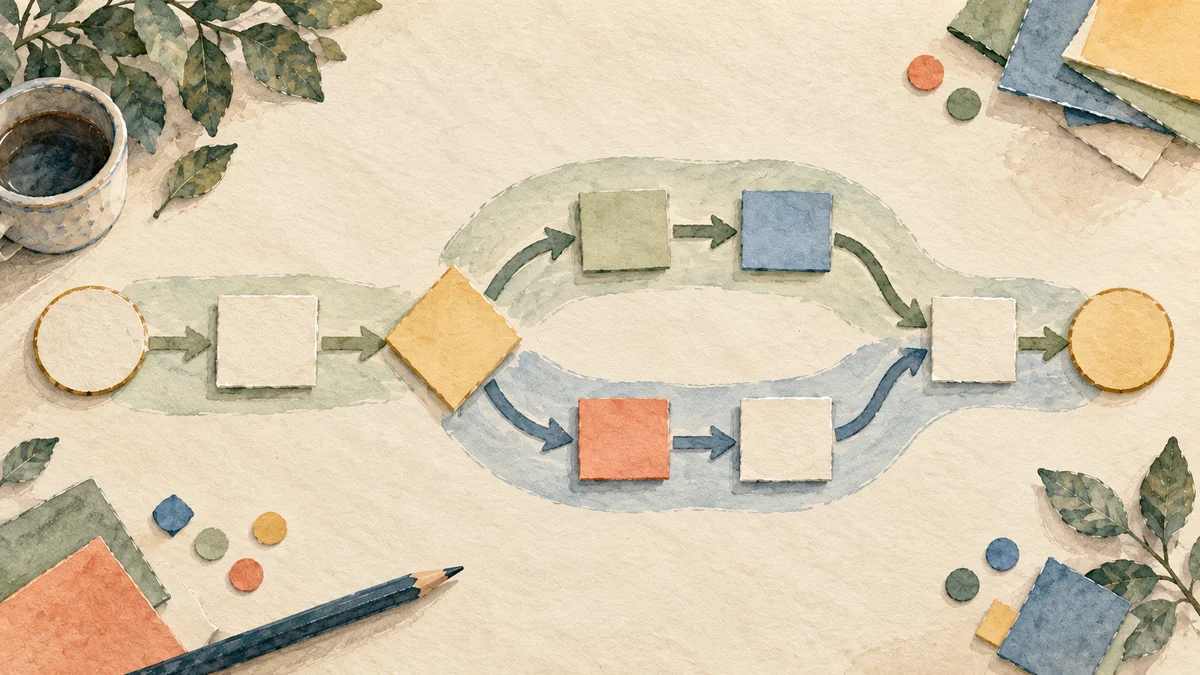
A BPMN process diagram describes work using Business Process Model and Notation: a standard language for activities, events, decisions, and communication. Its value in a team review is precision. A shared model lets participants question a particular transition instead of arguing about vague statements such as “approvals are slow.”
This article uses small, descriptive examples for discussion. They are not executable process models. Use a BPMN-capable modeling tool to create and validate the actual diagram. NextRetro supports retrospective discussion and follow-up; it is not a BPMN editor or process engine.
Understand the notation before interpreting the picture
The OMG BPMN 2.0.2 specification is the authoritative reference. The following orientation is deliberately limited to the concepts used in our example; BPMN supports more detail than this introduction covers.
| Element | Meaning in this example |
|---|---|
| Pool | A participant in a collaboration |
| Lane | A partition within a process, used here to show responsibility |
| Task | An activity such as checking a request |
| Start or end event | The beginning or end of the modeled process path |
| Gateway | A control point for branching or joining paths |
| Sequence flow | The order of work within a process; it does not cross pool boundaries |
| Message flow | Communication between separate participants, represented by separate pools |
A sequence flow may cross lanes inside the same pool. Do not use a message flow between two lanes of that pool simply because different teams perform the work. Lanes are not interchangeable with independent participants.
For detailed symbols and behavior, consult the normative specification. A model that will drive automation needs stricter validation than a workshop sketch.
Example 1: an internal access request
Consider a hypothetical organization reviewing how staff request access to a reporting system. Model the organization as one pool with lanes for the service desk and access administration. The employee can be represented separately if the chosen collaboration view treats the requester as another participant; choose and document the boundary consistently.
For the organization's process, a simple path is:
- A request arrives and starts the process.
- Service desk checks whether required information is present.
- An exclusive decision branches between complete and incomplete requests.
- Incomplete requests are returned for clarification under the defined requester interaction.
- Complete requests go to the authorized access check.
- Approved requests receive access; rejected requests receive an explanation.
- The process ends with the appropriate recorded outcome.
Label decision paths with conditions such as “required information complete” and “information missing.” “Yes” and “No” become difficult to interpret when the diagram is shared without its original question.
This is a description to model, not a claim that these steps meet any particular organization's security policy. Access authorization and evidence requirements must come from that organization's approved controls.
Example 2: a supplier contributes to the process
Now imagine that a separate supplier must activate a licensed account after the organization authorizes it. Represent the supplier as another pool. The organization's activation request and the supplier's confirmation are communications between participants, so model them with message flows.
Do not draw a sequence arrow from an internal task directly into a supplier task. That would confuse the internal order of one participant's process with communication across a boundary.
You can leave the supplier's internal process hidden when it is outside the scope of the review. The team may need to know what message starts the supplier interaction and what response it expects without pretending to know how the supplier performs its internal work.
A useful review question is now visible: what happens if no confirmation arrives? Define the intended exception before adding a timer or other event to the formal model. A timeout label alone does not establish who follows up or what decision they can make.
Walk cases through the model before changing it
Choose three real, suitably sanitized cases: one routine completion, one request requiring clarification, and one exception. Keep personal and confidential details in the approved case system; use references or summaries in the workshop.
For each case, ask the people who performed the work to trace its path. Where did work actually stop? What information was missing? Which participant believed another person owned the next step? Record differences between the documented process and observed practice.
Do not silently edit the model into the ideal future process. Mark the current path and proposed change separately. Otherwise the team can leave with a polished diagram that no longer explains the cases it was meant to investigate.
A process model is a hypothesis about how work flows. The timestamps and case histories help test that hypothesis. Neither the diagram nor a participant's memory is complete evidence by itself.
A worked improvement decision
In this hypothetical example, the team examines twelve requests. The number is illustrative, not a benchmark or a NextRetro customer result. Several waited between information checking and access authorization because the handoff did not identify the decision owner.
The initial proposal is to automate every approval. The model shows why that is premature: the team has not yet agreed which requests require which authorization. Automating an undefined decision could move incomplete work faster without resolving responsibility.
The team chooses a smaller experiment. For the next ten eligible requests, service desk will identify the authorization owner before sending the handoff. It will record time waiting for ownership clarification separately from time spent performing the authorization.
The guardrail is unchanged access control. Faster handling does not justify skipping authorization. At the next review, the team will inspect whether missing-owner delays decreased and whether the extra preparation created a new bottleneck.
This connects the process diagram to an observable change, rather than treating diagram completion as improvement.
Use a review worksheet alongside the diagram
Capture these fields for each suspected problem:
Location: Which task, decision, or handoff is affected?
Observed case: Which example shows the difficulty?
Expected trigger: What should make the next step start?
Actual obstacle: What prevented it?
Proposed change: What will be different for the next eligible cases?
Constraint: Which control or quality requirement must remain intact?
Review evidence: What will the team examine, and when?
Choose a retrospective format that gives participants time to challenge the model before prioritizing changes. Then use the action-items guide to keep the selected experiment visible after the meeting.
Frequently asked questions
Are pools and lanes the same thing in BPMN?
No. A pool represents a participant in a collaboration. A lane partitions a process. Sequence flow can cross lanes within a pool, while communication between separate participant pools uses message flow.
Is every process flowchart a BPMN diagram?
No. A general flowchart may use informal symbols and conventions. Call a model BPMN only when it follows the notation's relevant rules, and validate it appropriately if it will be used for automation.
Can NextRetro create executable BPMN models?
NextRetro is not a BPMN modeling tool or process engine. Keep the authoritative model in an appropriate editor and use a retrospective board to discuss observed problems, competing explanations, and agreed improvement experiments.